
Spending insights
Review income versus expense and category share for one wallet by day, week, or month.
Updated 2026-10-21 · TH
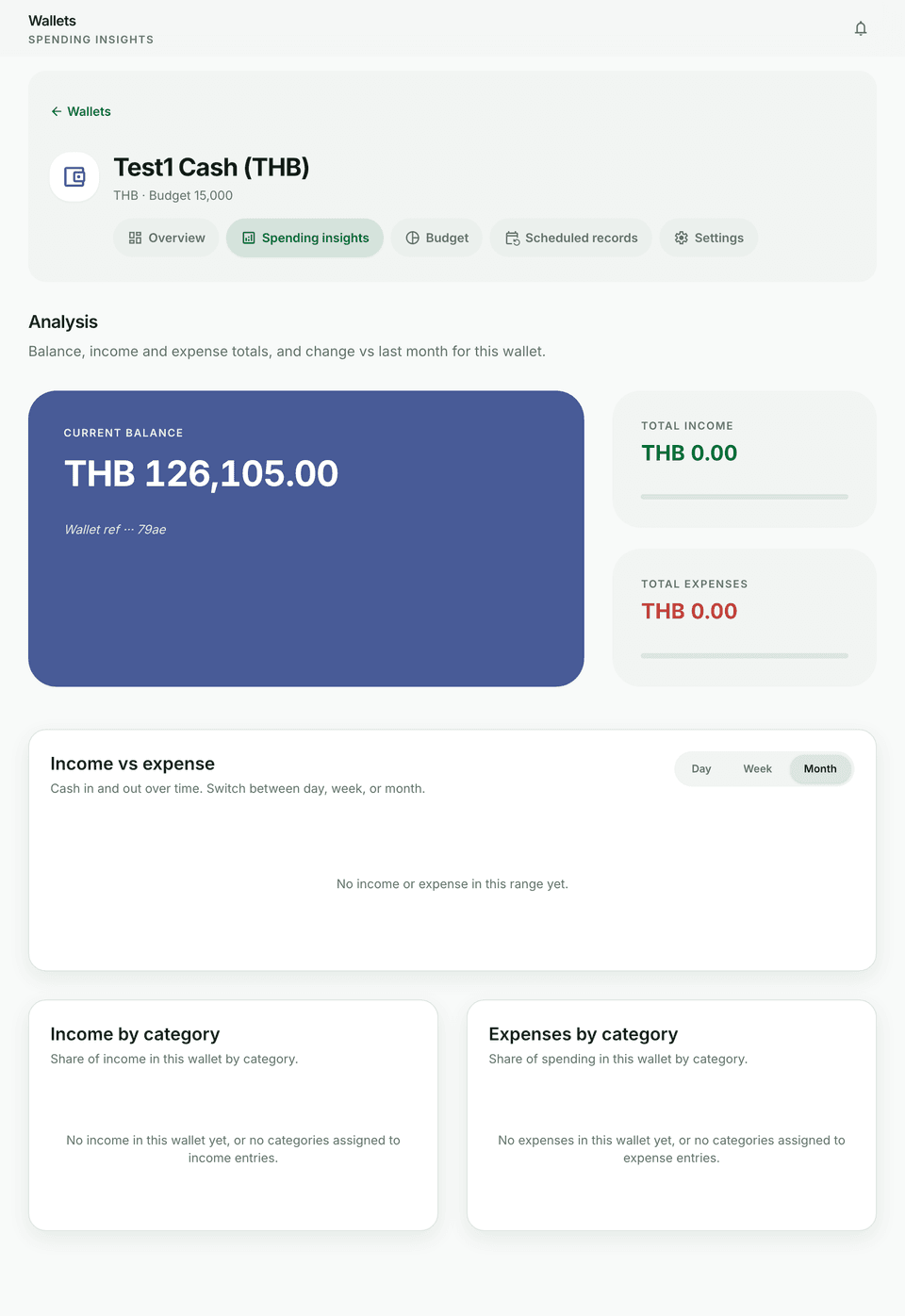
Each wallet has a Spending insights tab for trends on that account alone.
Steps
- Open a wallet and go to Spending insights.
- Choose Day, Week, or Month.
- Review income versus expense and the category breakdowns.
- Jump back to transactions when a spike needs investigation.
Tips
- Free history lookback still applies when browsing older periods.
- For cross-wallet cash flow and CSV/PDF, use Reports.