
Record transactions and receipts
Log income and expenses with filters, categories, and receipt images within storage limits.
Updated 2026-10-22 · TH
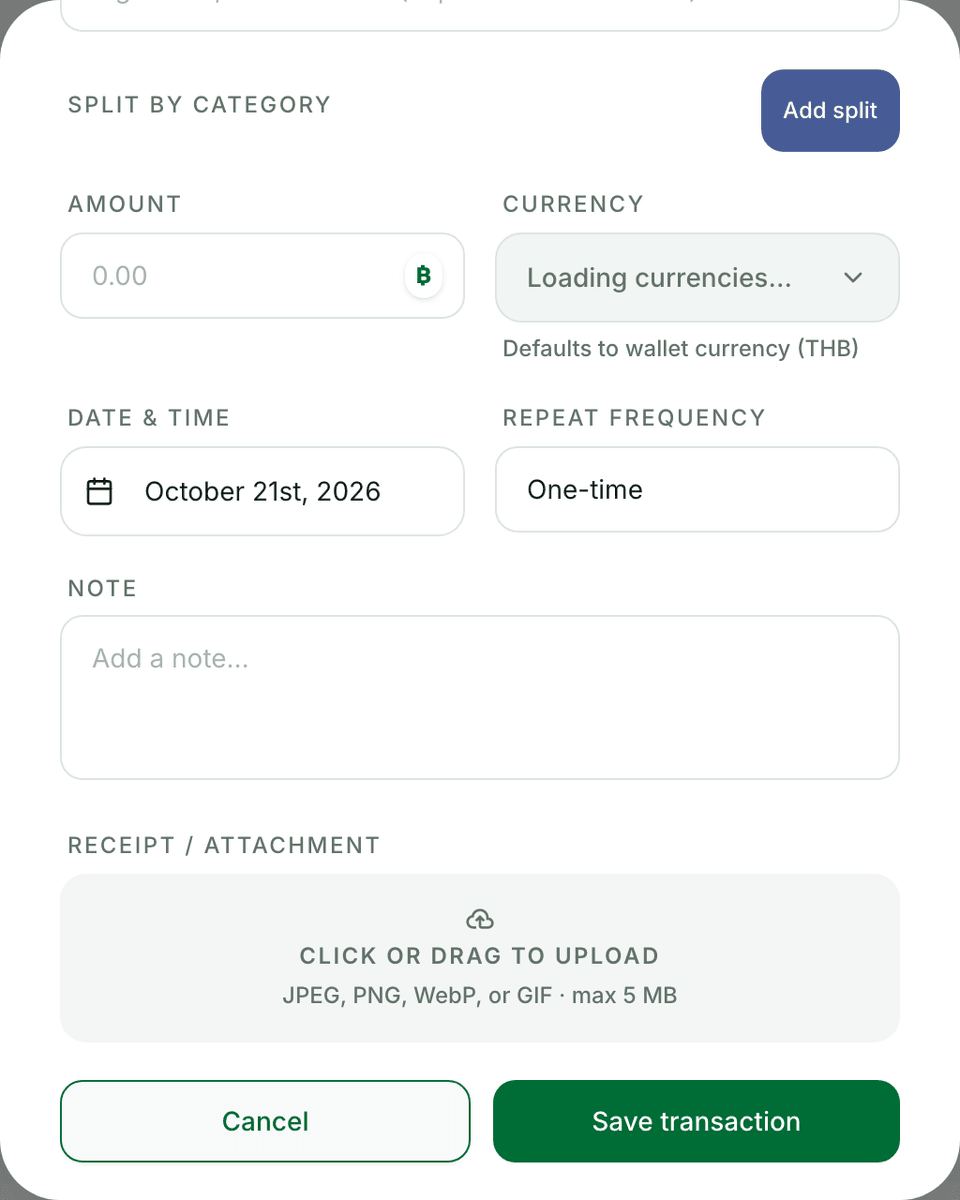
Every spend or income belongs on a wallet. Receipts help you audit later.
Steps
- Open a wallet and choose Add transaction (income or expense).
- Set amount, category, date, and an optional note.
- Attach a receipt image when you have one — uploads count toward your plan’s storage quota.
- Save — balances and dashboard totals update.
- Use filters (date, type, category, note, amount) to find rows. Free history lookback is limited (about 12 months).
Tips
- Prefer categories you already use so analytics and budgets stay consistent.
- If storage is full, free space or upgrade before adding more receipt images.