
Budgets and spending alerts
Set a monthly wallet budget with category allocations, 80%/100% alerts, rollover, and copy from last month.
Updated 2026-10-21 · TH
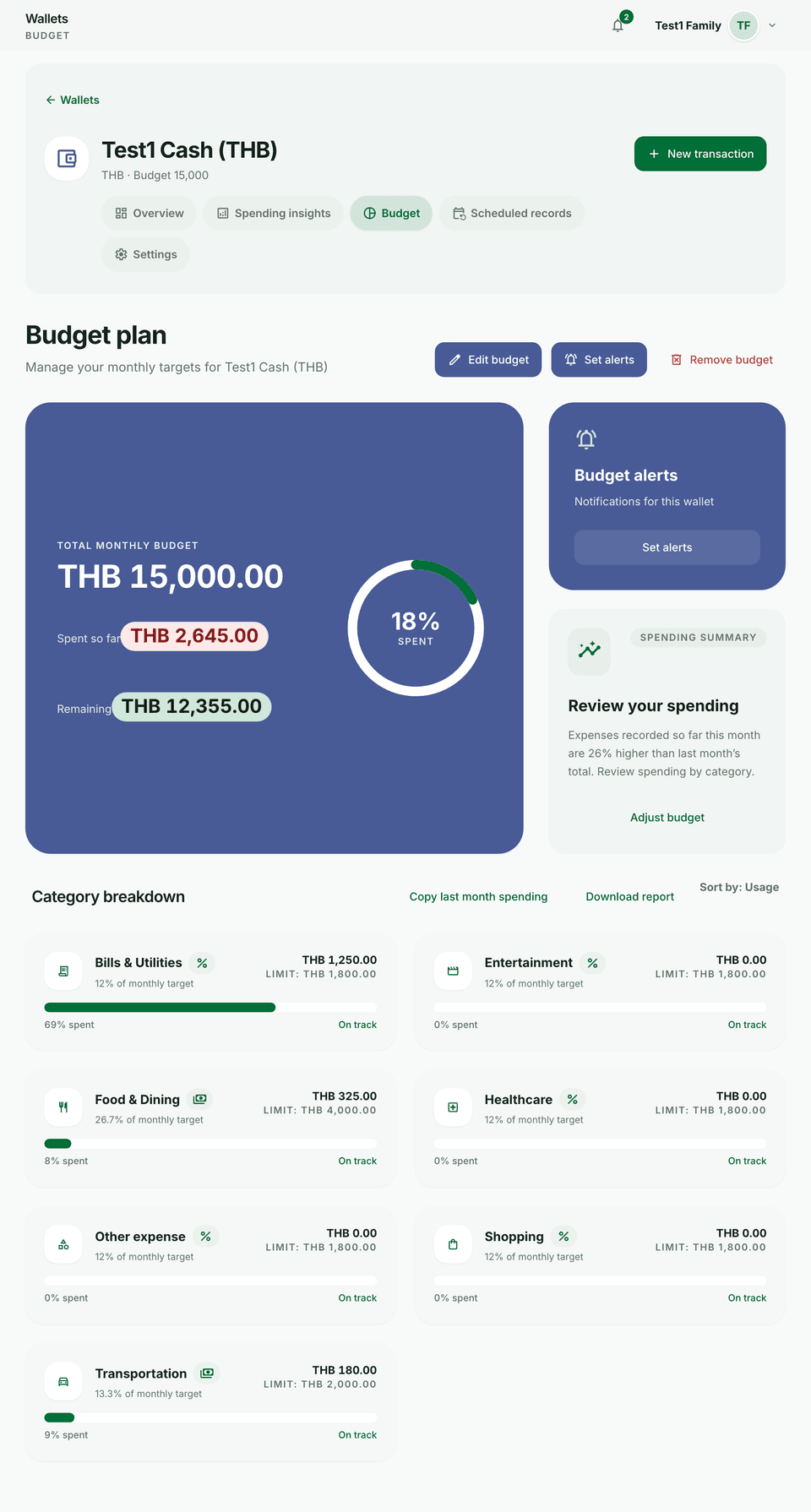
Budgets are plan-gated (your plan sets how many you can keep; Free includes a small number). Alerts warn as you approach limits.
Steps
- Open a wallet and go to Budget.
- Set a monthly target and allocate amounts to categories you care about.
- Keep the 80% and 100% alerts on so you get warned before and when you hit the limit.
- Use Roll over unused budget or Copy last month spending when you want a quick starting plan.
- Watch progress on the budget view during the month.
Tips
- Pair budgets with consistent categories so alerts match real spending.
- Browser alerts are a single on/off under Settings → Signed-in devices → Browser notifications. See Notifications.