
Create a wallet
Add a wallet with a name, currency, and optional starting balance within your plan’s wallet limit.
Updated 2026-10-21 · TH
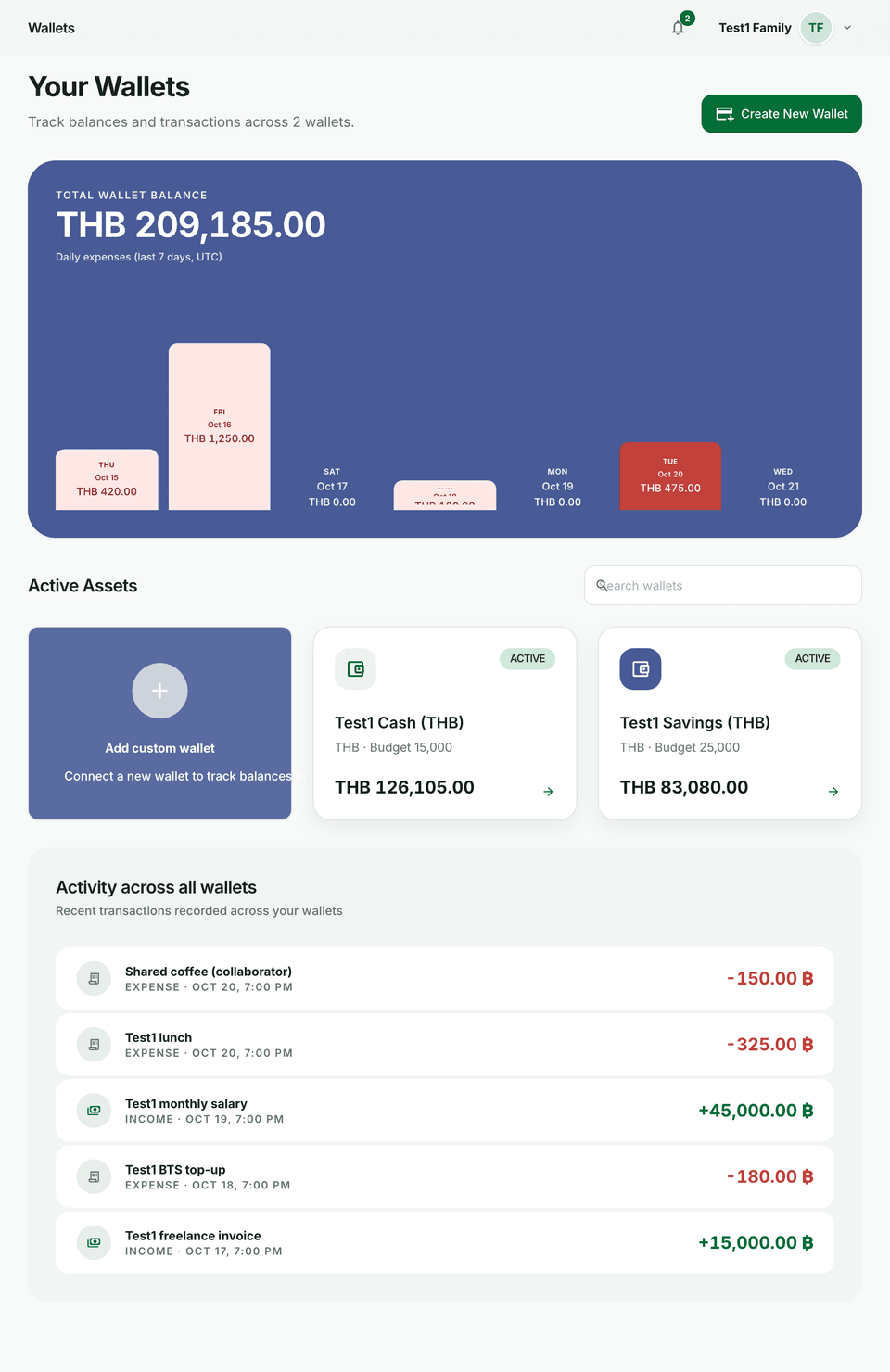
Wallets hold balances and transactions. Create one per account or cash stash you track.
Before you start
- Your plan caps how many wallets you can keep. Free includes 1 wallet; higher plans raise the limit.
- At the wallet list you may also see a short liquidity summary for the next days.
Steps
- Open Wallets and choose Create wallet.
- Enter a name, an optional Starting balance, and a currency.
- Turn on Set as primary wallet if shortcuts should use this wallet first.
- Save — the wallet appears on your list and dashboard.
Tips
- If you are over your plan’s wallet cap, some wallets may become read-only until you upgrade or remove extras.
- Multi-currency wallets are supported; reports and net worth respect how currencies are configured.