
Transfer between wallets
Move money between your Budfinix wallets without double-counting income or expense.
Updated 2026-10-13 · TH
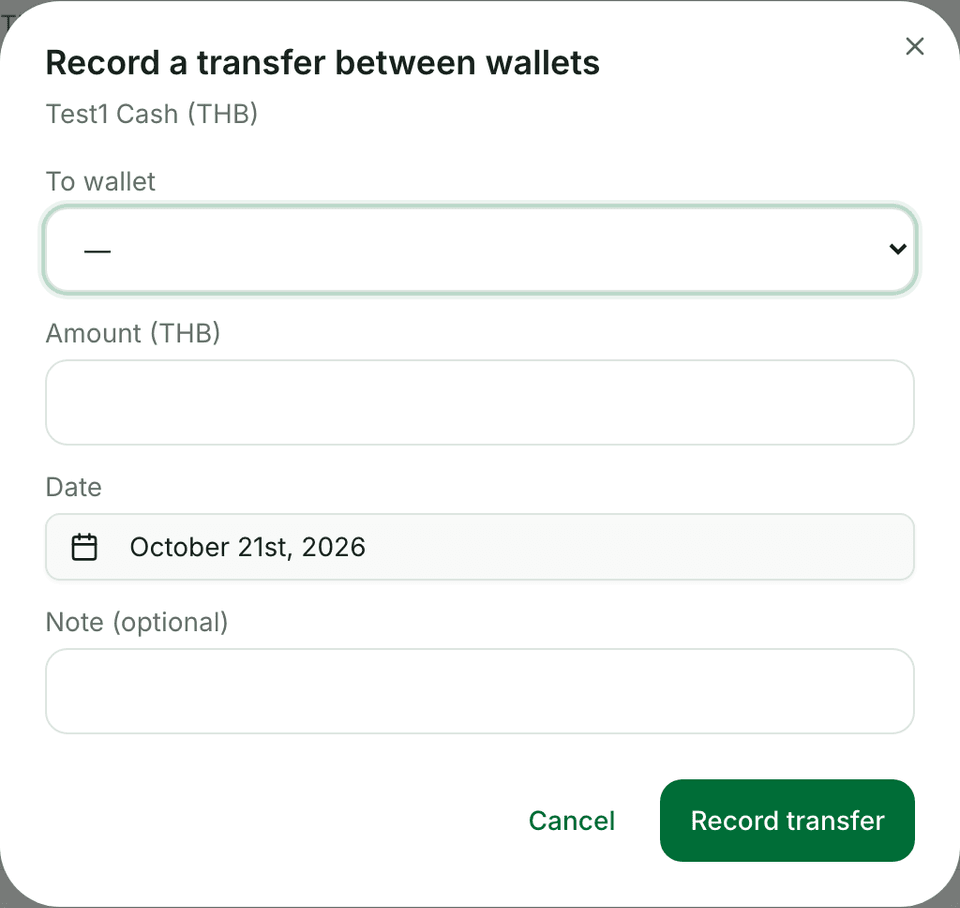
Transfers move balance from one wallet to another as a linked pair of entries.
Steps
- Open a wallet and start a Transfer (or use the transfer action from the wallets area).
- Choose the destination wallet, amount, and date.
- Add an optional note.
- Confirm — both wallets update; the move is not counted as income or expense.
Tips
- Use transfers for “from cash to bank,” not for spending at a merchant.
- If currencies differ, follow on-screen conversion guidance when the product asks for it.