
Invite wallet collaborators
Share a wallet with view or edit access within your plan’s collaborator limit.
Updated 2026-10-13 · TH
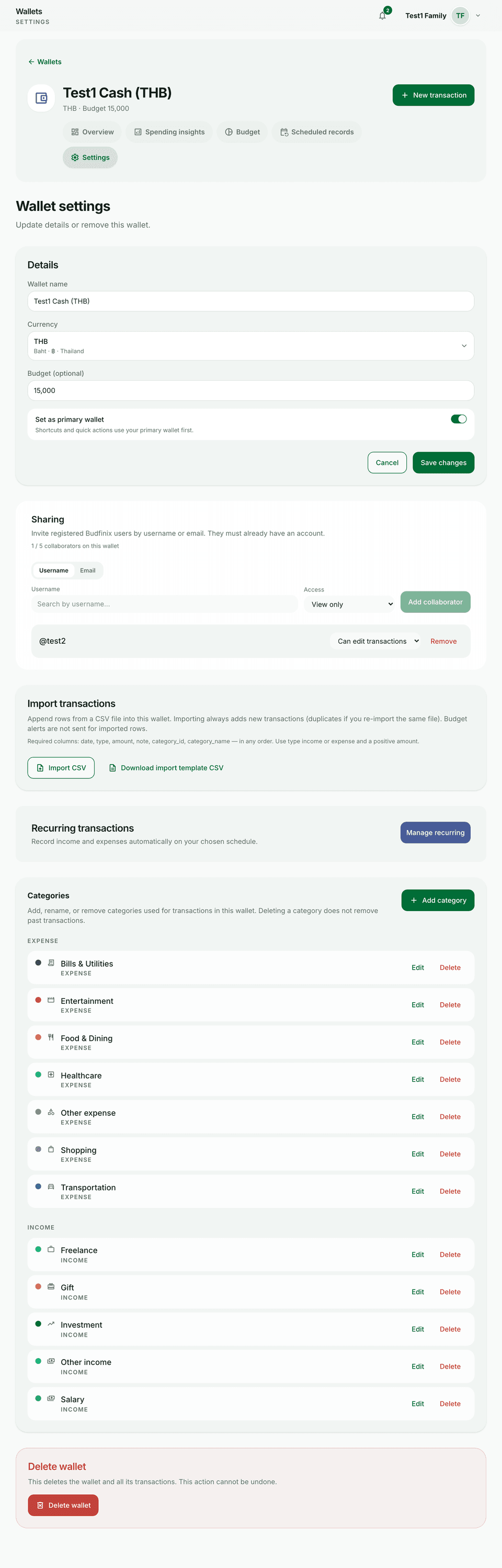
Collaborators can view or edit a shared wallet depending on the role you grant. Seats are plan-gated (Plus and above typically; your plan sets the cap).
Steps
- Open the wallet Collaborators section (usually under settings).
- Invite by email or username as the screen allows, and choose view or edit.
- They accept the invite and see the wallet in their list.
- Remove people or change roles anytime from the same screen.
Tips
- Give edit only to people who should change transactions and budgets.
- Family plan billing is separate from wallet collaborators — see Family invites and seats.