
Family invites and seats
Invite household members to Family plan seats, accept invites, and manage who shares the owner’s entitlements.
Updated 2026-10-13 · TH
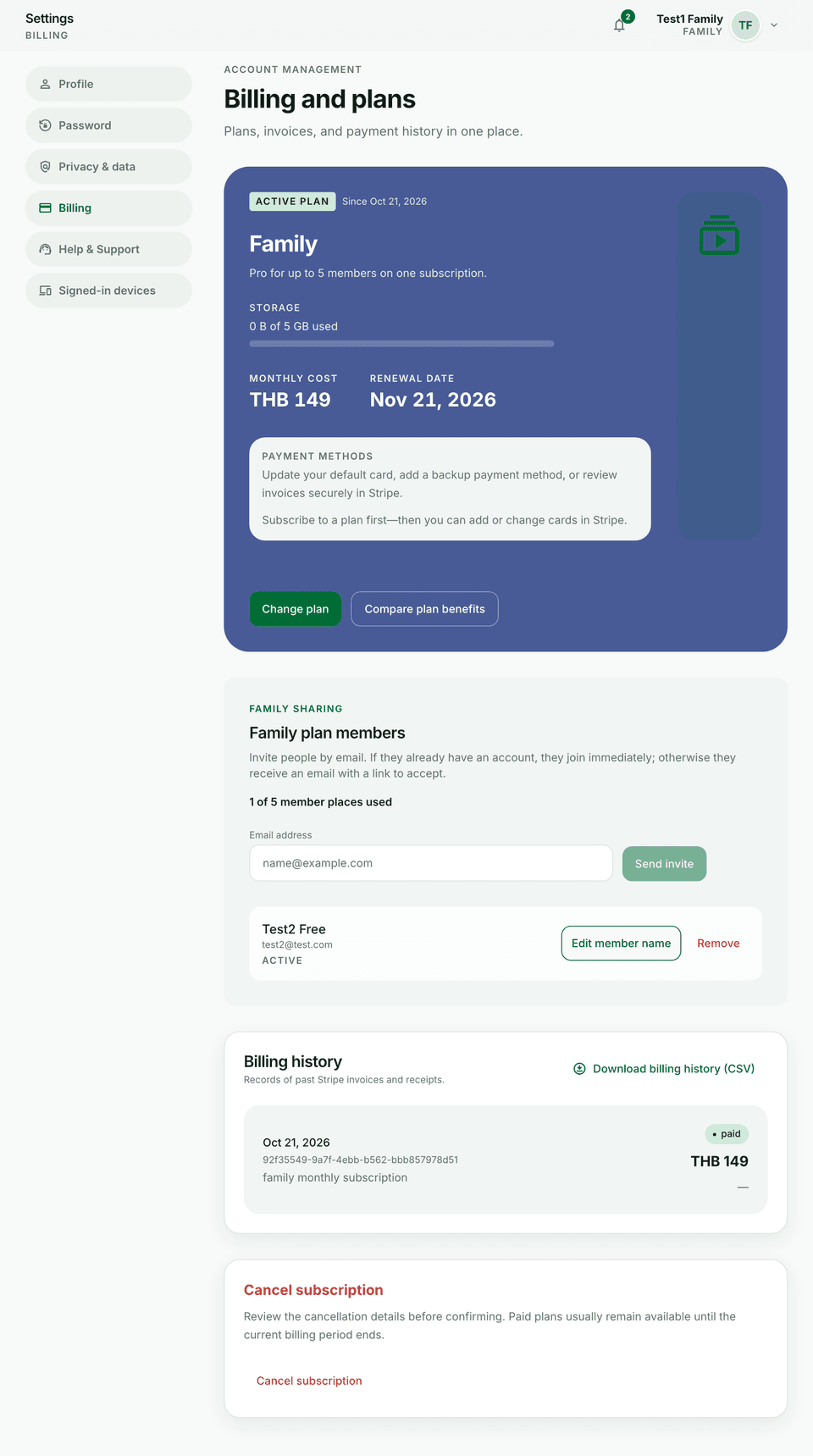
Family plans share benefits across seats you control. Active members typically inherit the owner’s live plan for gated features.
Steps
- Open Settings → Billing and open family or seats management (Family plan).
- Invite a member by email to an open seat.
- They open the invite link, sign in or create an account with the invited email, and accept.
- Remove a seat when someone leaves the household so the seat frees up.
Tips
- Storage is one shared pool against the Family owner’s storage cap.
- Wallet collaborators are separate from Family seats — see Invite wallet collaborators.