
Checkout and promo codes
Choose a plan under Settings → Billing → Plans, apply a promotion code on that page, then pay in Stripe.
Updated 2026-10-21 · TH
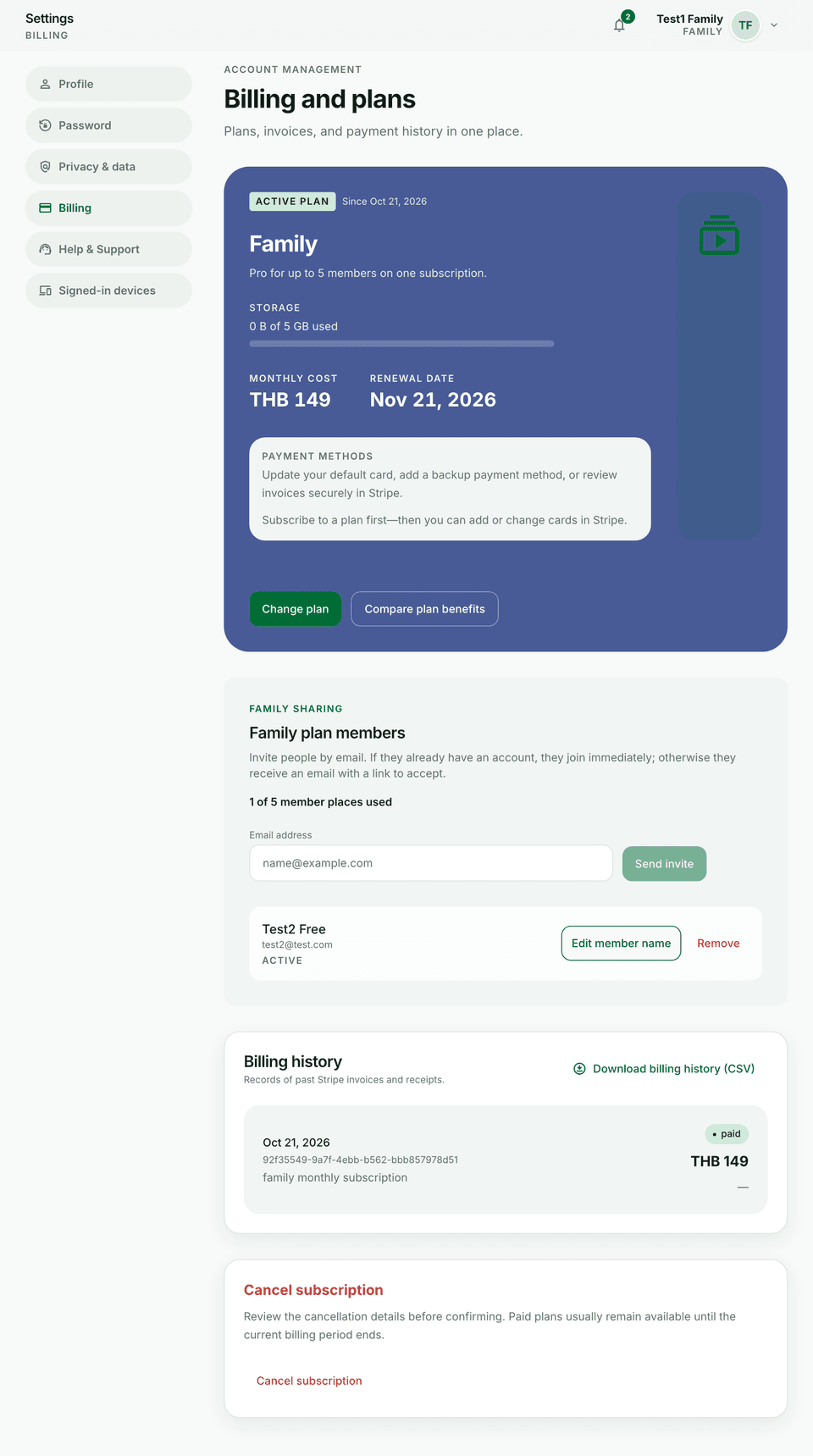
Paid plans unlock higher limits (wallets, budgets, storage, Reports, Goals, and more) and features such as recurring transactions on Plus+.
Steps
- Open Settings → Billing → Plans.
- Compare Free / Plus / Pro / Family. Choose Monthly, Yearly, or One-time when that price exists.
- On the plans page, enter a Promotion code and choose Apply before you continue to Stripe. The code is not typed inside Stripe checkout.
- Complete payment in Stripe and return to Budfinix — entitlements apply after success.
- Check storage usage on billing when you upload many receipts or slips.
Tips
- Family plans add seats — see Family invites and seats.
- You can cancel renewal later without losing the rest of the paid period in most cases.