
Cancel a plan and view billing history
Cancel renewal under Settings → Billing, keep access until the paid period ends, and export or review billing history.
Updated 2026-10-13 · TH
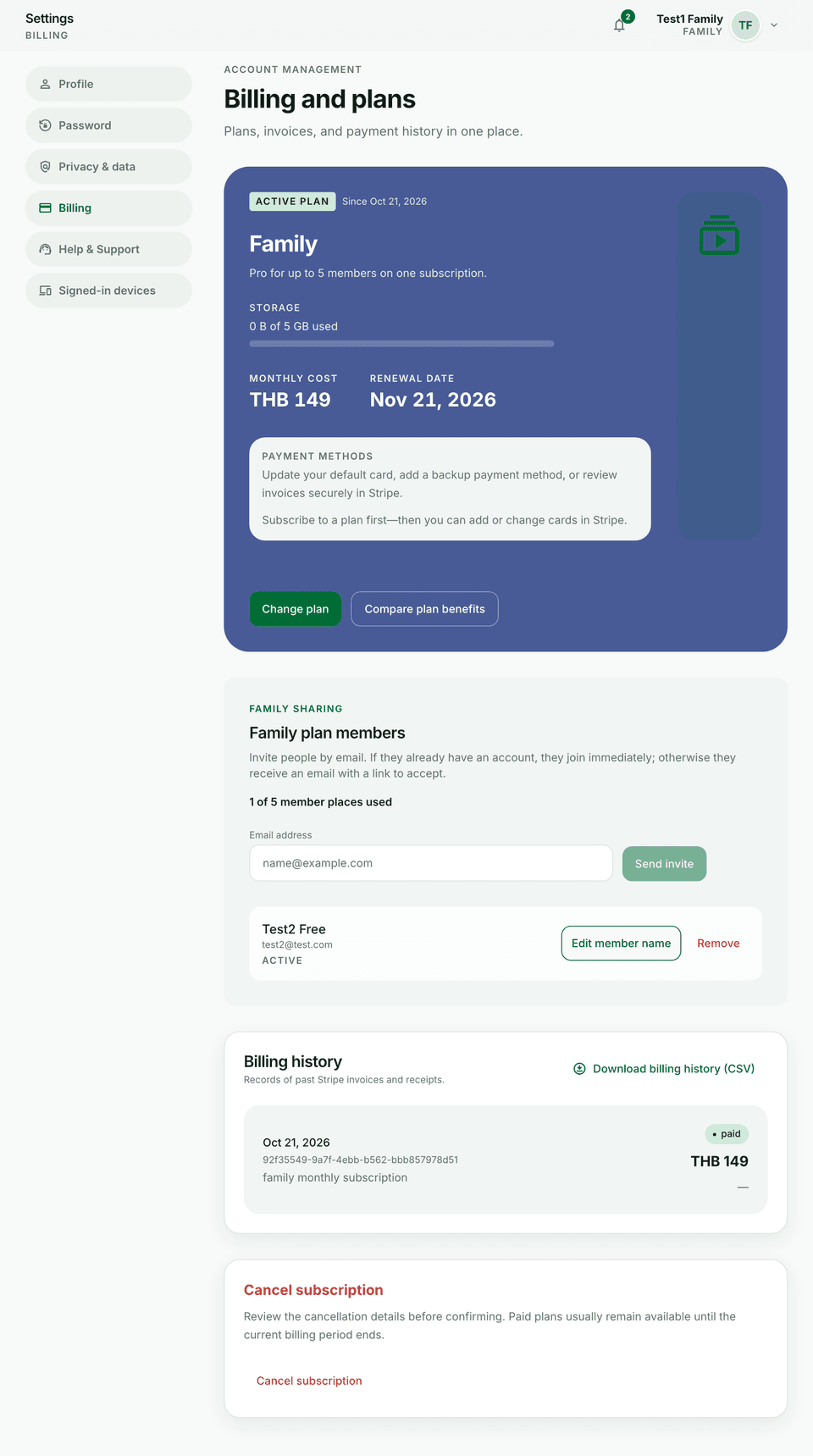
You usually keep access until the paid period ends after you cancel renewal.
Steps
- Open Settings → Billing.
- Review your current plan, storage meter, and next renewal date.
- Cancel renewal if you no longer need the paid plan.
- Open history to download past receipts or export billing CSV when available.
Tips
- Cancelling stops future charges; it does not delete your Budfinix account.
- To leave the product entirely, see Delete your account.