
Set locale, timezone, and currency
Choose language, time zone, and preferred currency under Language & region. Dark mode is in Appearance.
Updated 2026-10-21 · TH
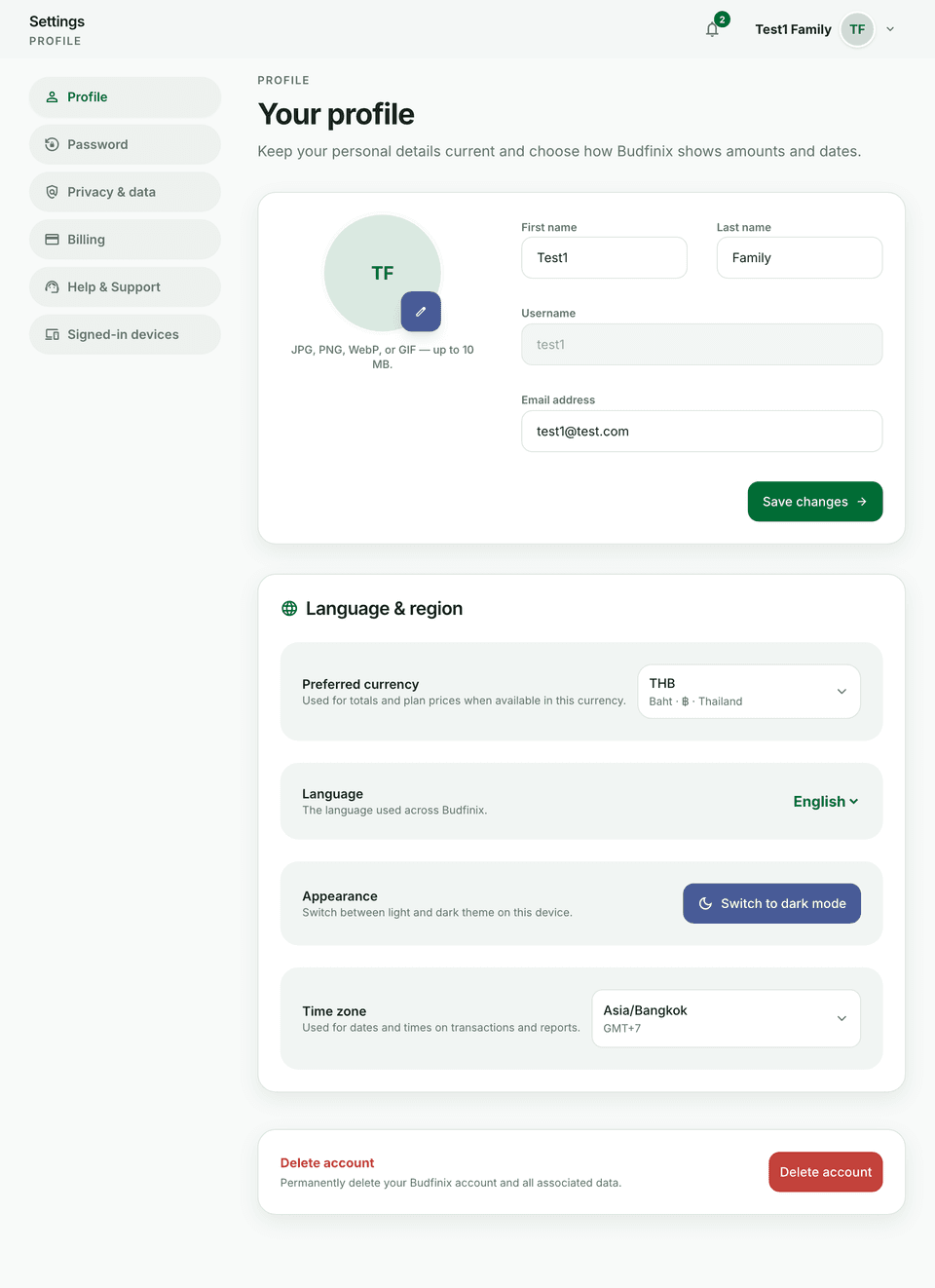
Where to change preferences
Open Settings → Profile.
What each setting does
Under Language & region:
- Language — UI copy in English or Thai.
- Time zone — dates and times on transactions and reports.
- Preferred currency — totals and plan prices when a price exists in that currency.
Appearance is the next section, not inside Language & region. It switches between light and dark theme on this device.
Wallet currency can still differ from your preferred currency when you create a wallet.