
Reset your password
Recover access when you forget your Budfinix password.
Updated 2026-10-13 · TH
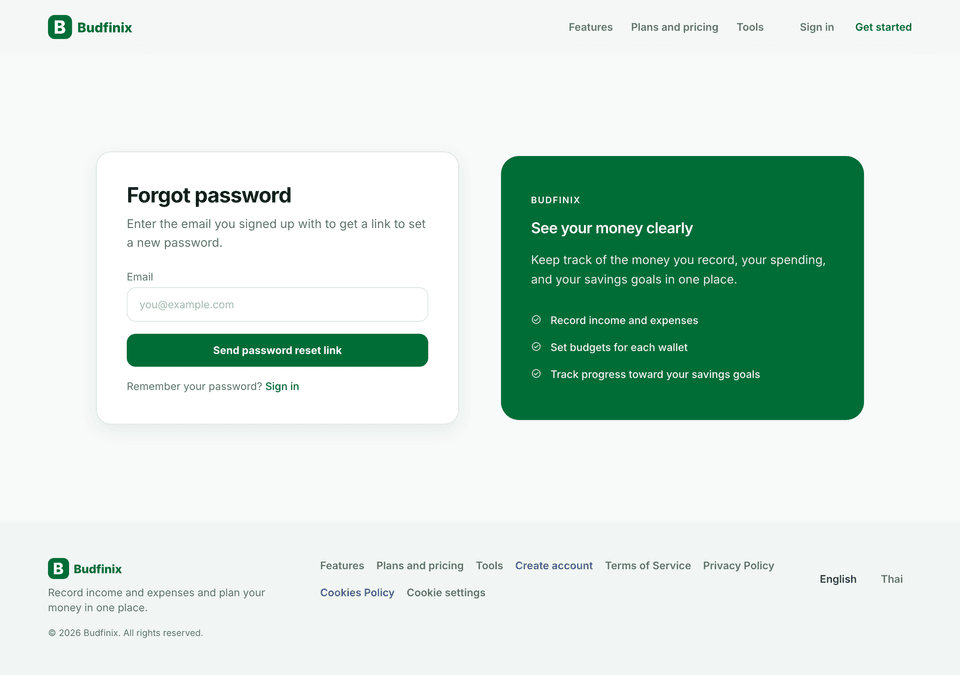
Steps
- On the sign-in page, choose Forgot password (
/account/forgot-password). - Enter the email for your account.
- Open the reset link from your inbox (it expires for security) (
/account/reset-password). - Choose a new strong password and confirm.
Password reset opens in the main Budfinix app, not inside this Help Center.
Tips
- If you use 2FA, you still sign in with authenticator codes after the new password is set.
- Change the password again under Settings → Password anytime when signed in.