
Password, 2FA, and sessions
Change your password, manage two-factor auth and recovery codes, and revoke signed-in devices.
Updated 2026-10-13 · TH
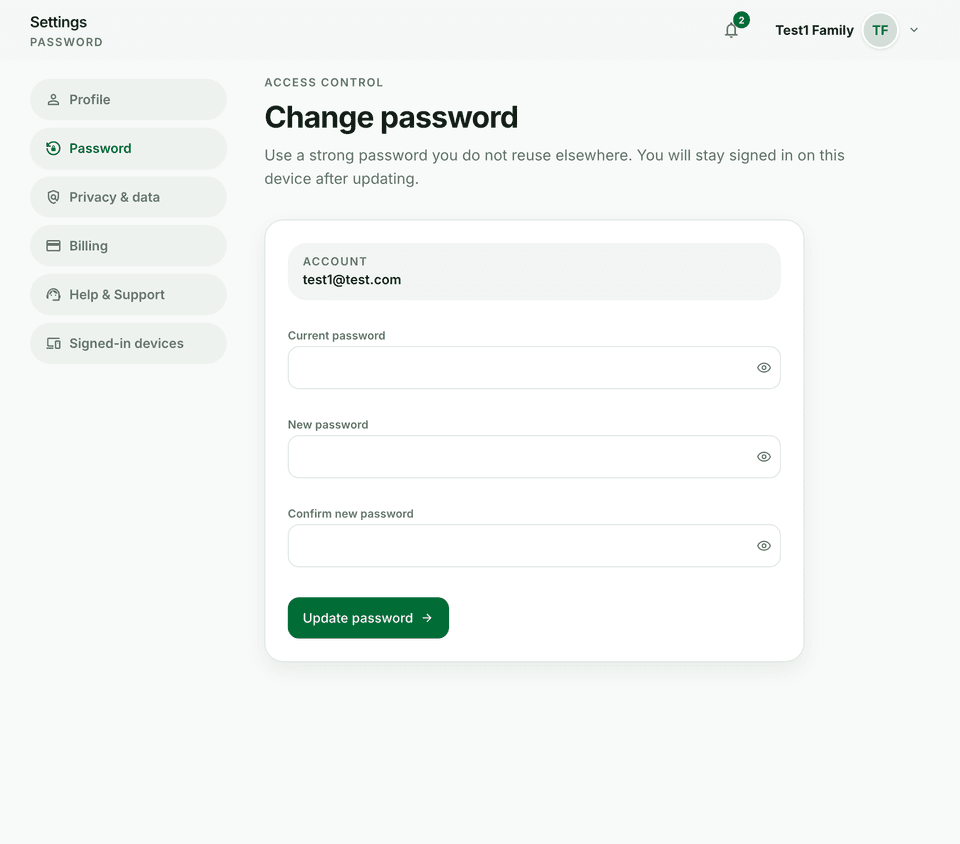
Security settings live under Settings → Password and Signed-in devices (session list) in the main app.
Steps
- Change password with your current password for confirmation.
- Enable, disable, or rotate 2FA and store recovery codes somewhere safe.
- Open Signed-in devices (sessions), review active sessions, and revoke unknown devices.
- Sign out everywhere if you suspect compromise.
Tips
- Prefer an authenticator app over SMS if both are ever offered.
- After revoking a session, that device must sign in again.