
Share links and guest editing
Send a bill link for view or guest edit, create as a guest without an account, and know that archiving disables the link.
Updated 2026-10-13 · TH
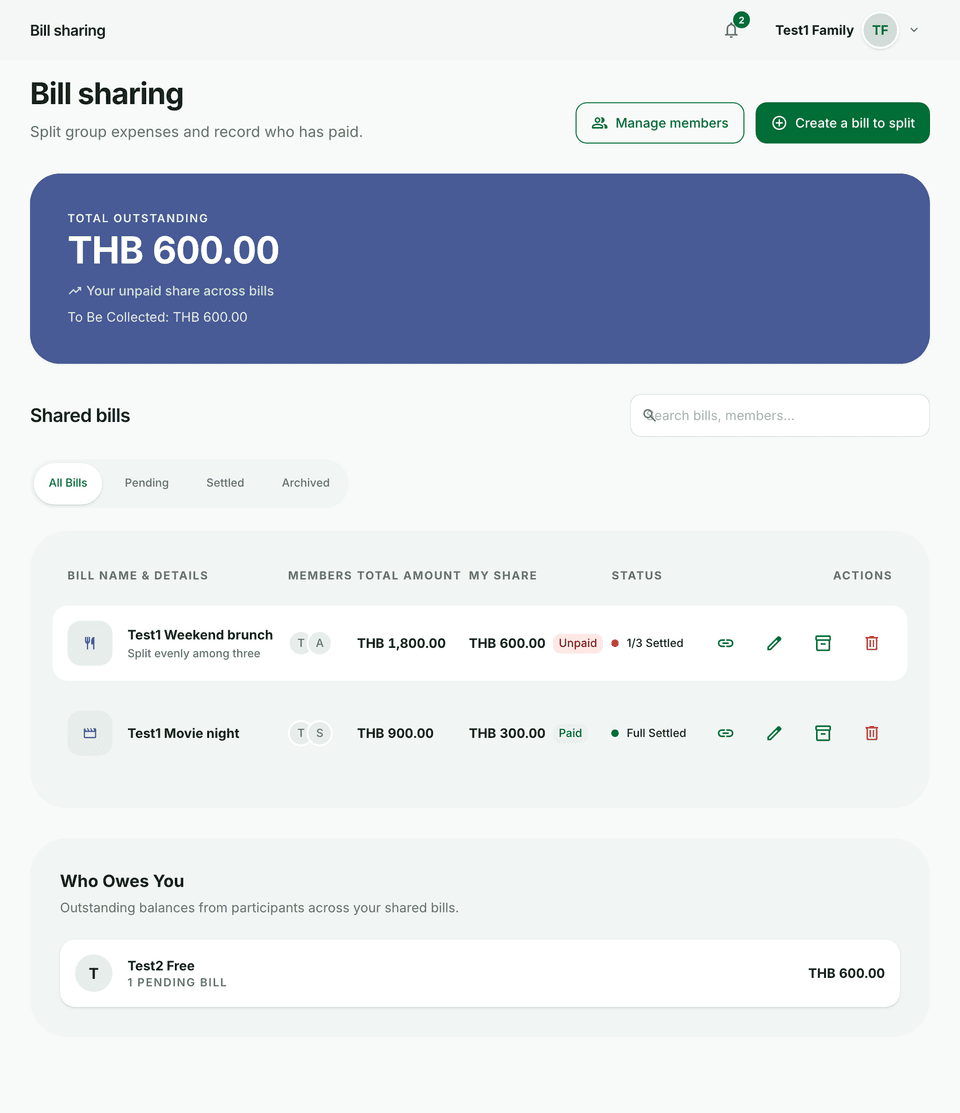
Guest links reduce friction for people who are not Budfinix users yet. Guests can also start a bill from the public create flow.
Steps
- Open a shared bill and copy the share link (view) or use the guest edit path when offered.
- Send it to participants by chat or email.
- Guests open the link to view; the creator’s device can keep editing guest bills. Unclaimed guest bills may be removed after a retention period (about 7 days).
- Archive the bill when done — the share link stops working.
- If a link leaks, archive or stop sharing and create a fresh bill when needed.
Tips
- Prefer saved members and PromptPay for settlement details once people are on the bill.
- Signed-in owners still manage filters (Pending / Settled / Archived) in Bill sharing.