
PromptPay and saved members
Reuse saved members and PromptPay details so Thai group bills settle faster with QR or payment info.
Updated 2026-10-13 · TH
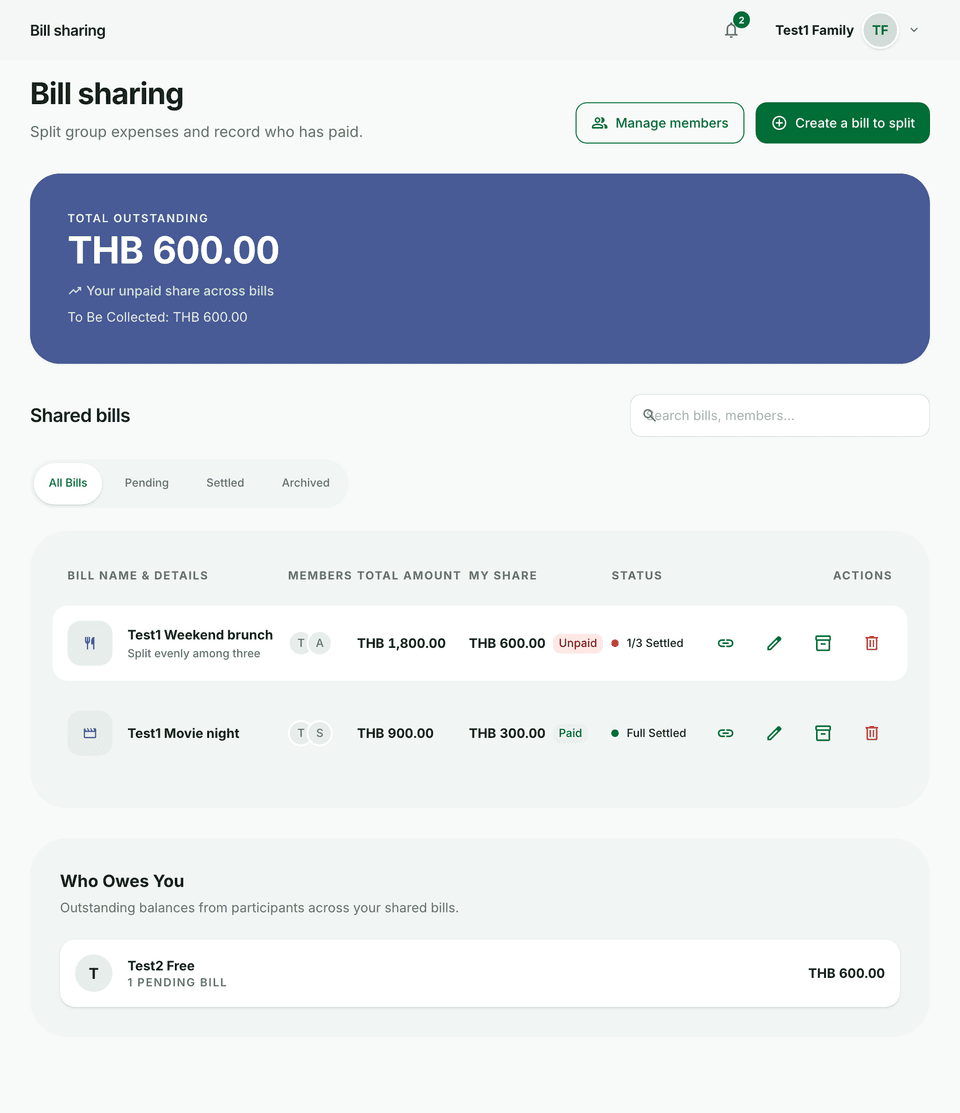
Saved members and PromptPay cut repeat typing on every group bill.
Steps
- Save frequent participants as members with their usual payment details.
- Attach PromptPay information where available so the bill can show settlement QR or payment info.
- When settling, share the PromptPay payload or payment info from the bill with people who still owe.
- Mark shares paid as people settle up; filter Pending vs Settled on the list.
Tips
- Keep member details updated when someone changes their PromptPay ID.
- Guest viewers can still use the share link to see what they owe — see Share links and guest editing.