
Lending money to others
Create a loan you issue, choose how interest is calculated, and confirm borrower payments.
Updated 2026-10-21 · TH
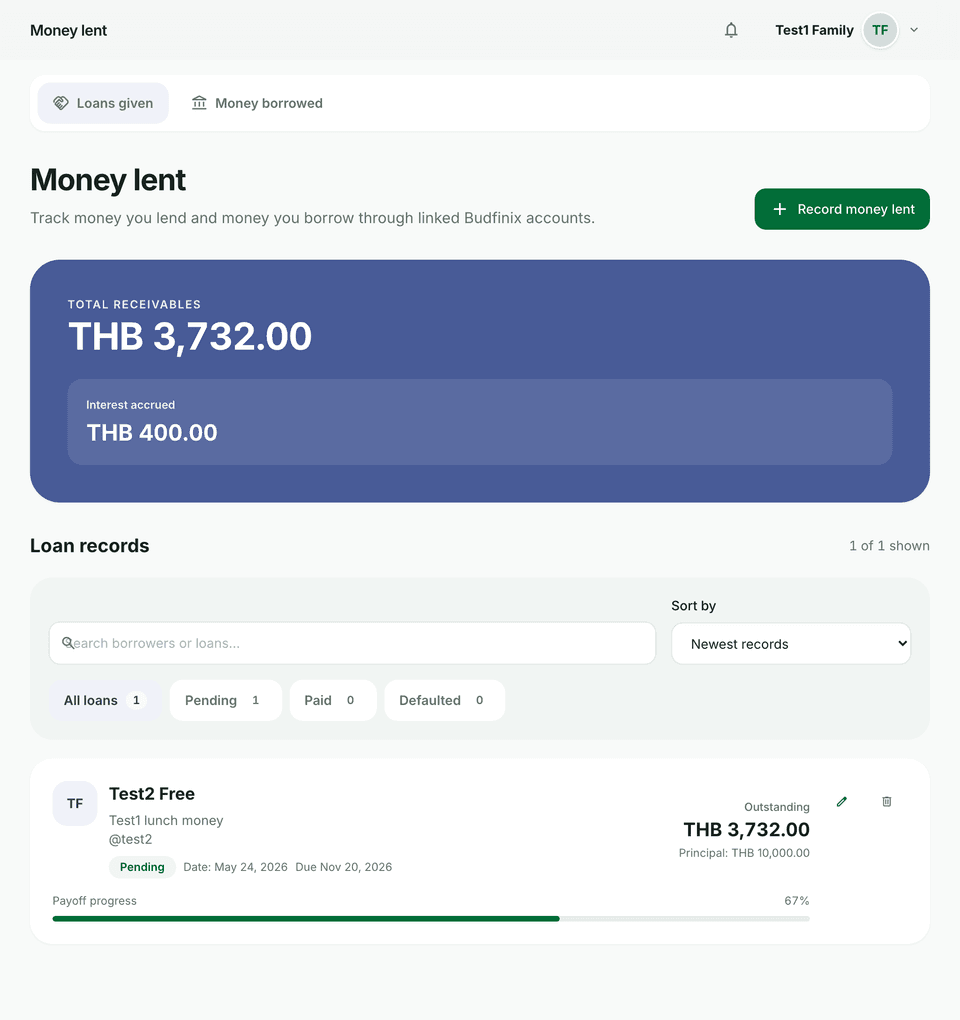
As a lender you track how much borrowers still owe under Lending → Loans given.
Steps
- Open Lending and create a loan as the lender.
- Walk through the wizard: Borrower (optionally link a Budfinix username) → Amount → Interest → Schedule → Review.
- Choose No interest, Interest on remaining principal, or Interest on original principal. Set the rate unit to % per year or % per month, and the frequency to Monthly or Daily (ACT/365). Review the estimate preview. A warning appears when the rate may exceed 15% per year.
- When the borrower submits a payment, Confirm payment or Reject payment record. You can also record a payment yourself without a slip.
- Deleting a payment updates the balance. There is no separate recalculate button. Mark the loan settled when the balance is zero.
Tips
- Payment slip images count toward your plan’s storage quota.
- Money you owe others lives under Money borrowed, not this lender list — see Borrowing, payments, and slips.