
Borrowing, payments, and slips
Track money you owe under Money borrowed, submit a payment with a required slip, and wait for the lender to confirm.
Updated 2026-10-21 · TH
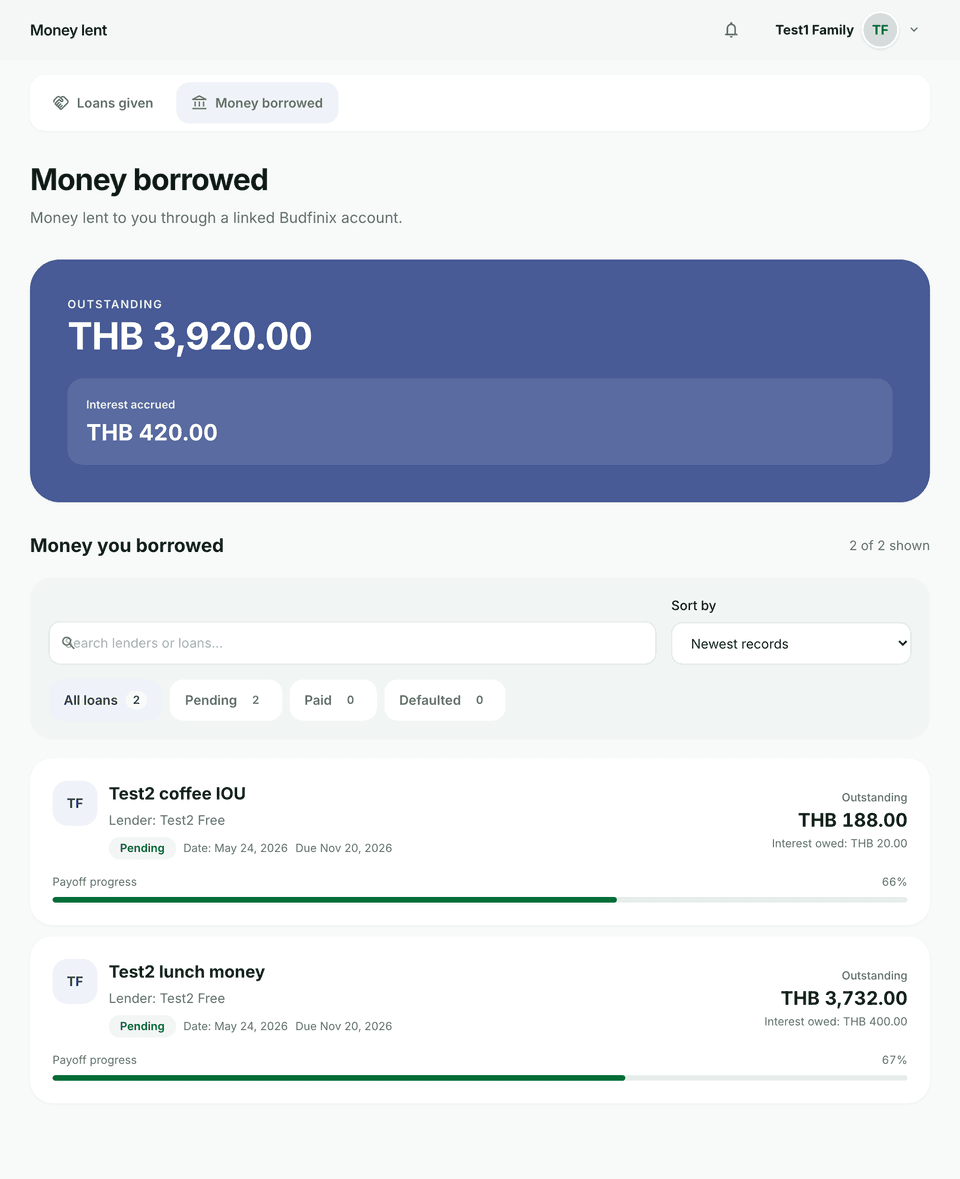
The borrower flow focuses on due amounts and proof of payment under Lending → Money borrowed.
Steps
- Open Money borrowed.
- Open a loan where you are the borrower and review the balance and schedule.
- Choose Submit payment. Pick a type: Principal, Interest, or Principal and interest.
- Attach a transfer slip. The button stays disabled until an image is attached. Slip images count toward your storage quota.
- Wait for the lender to Confirm payment or Reject payment record. The balance is final only after confirmation.
- Keep submitting until the loan is settled.
Tips
- Unconfirmed payments are not final — check status if the balance looks wrong.
- Loans you issue to others are under Loans given — see Lending money to others.