
Manage assets
Track holdings with quantity and book value, organize custom categories, and roll assets into net worth.
Updated 2026-10-13 · TH
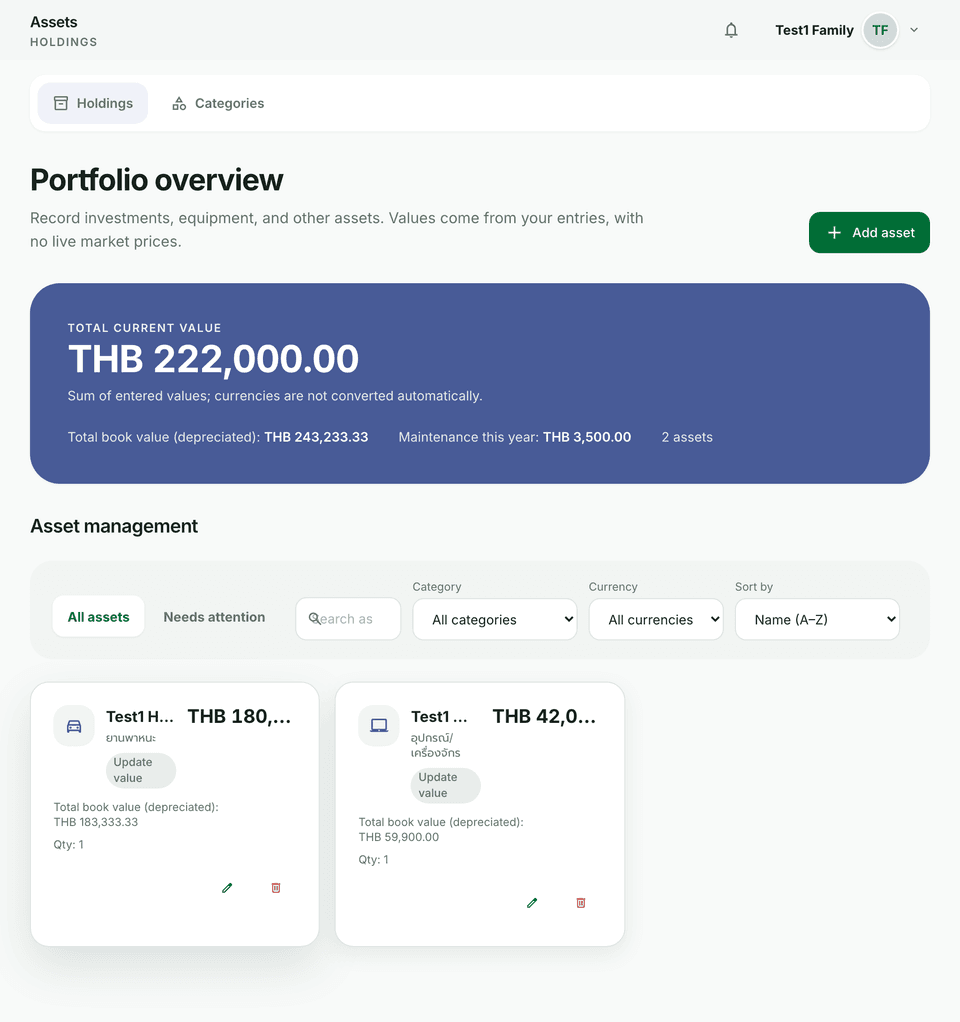
Assets capture things you own that contribute to net worth. Values are manual book values — Budfinix does not pull live market prices.
Steps
- Open Assets and choose Add asset.
- Enter name, quantity, current book value, and optional category.
- Manage your own categories under Assets → Categories (create, edit, assign).
- Save — the holding appears in lists and feeds net worth on the dashboard and reports.
- Edit or retire assets when you sell or stop tracking them.
- Use filters such as Needs attention when maintenance or expiry is coming due.
Tips
- Keep categories coarse enough to scan (vehicles, electronics) rather than one category per item.
- Pair this with depreciation and alerts for aging assets.