
Depreciation, maintenance, and expiry alerts
Use straight-line depreciation, salvage and useful life, maintenance logs, and lead-time alerts for expiry or service.
Updated 2026-10-13 · TH
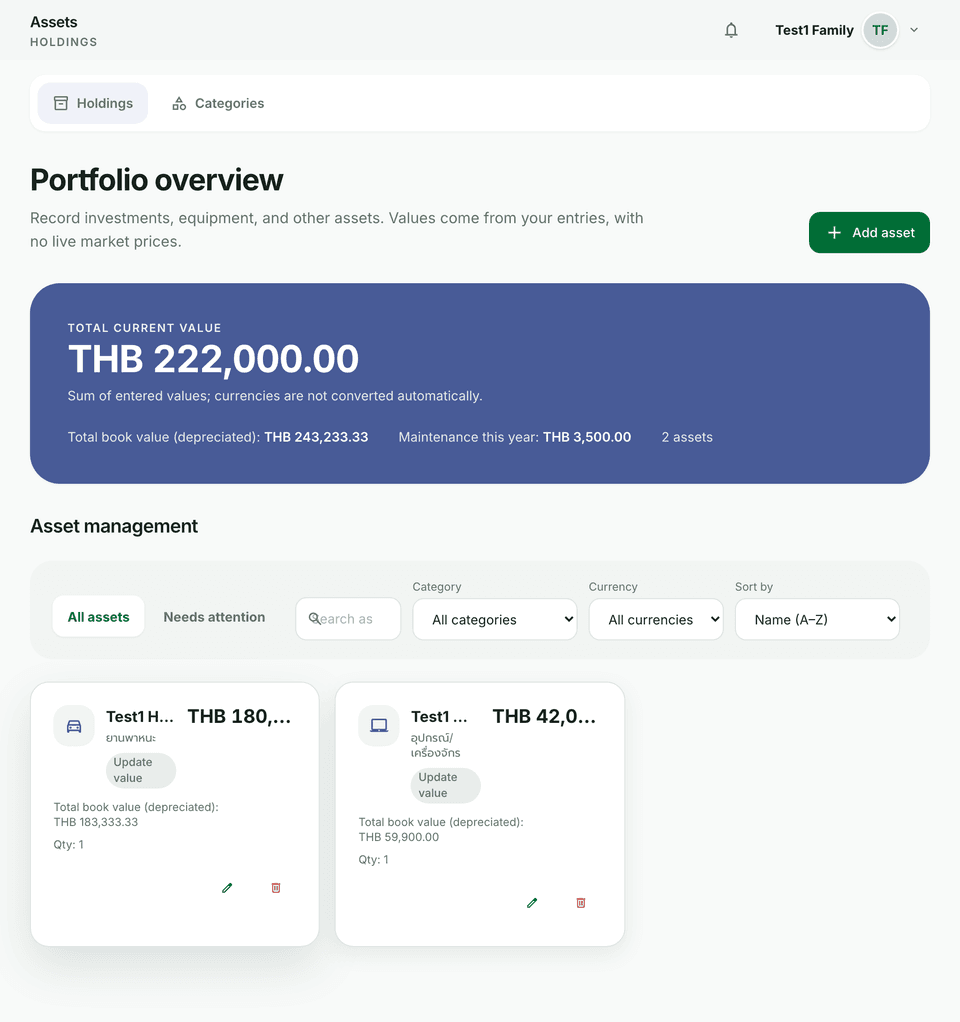
Keep big-ticket items realistic with straight-line depreciation and reminders before service or expiry dates.
Steps
- Open an asset and set depreciation fields: useful life, salvage value, and related dates as the form allows.
- Add expiry or maintenance due dates and choose how far ahead you want to be warned.
- Log maintenance with amounts when you service the item.
- Watch Needs attention on the assets list for items that need a follow-up.
- After you finish maintenance, update the log or clear the due date so alerts stop.
Tips
- Alerts use your notification preferences.
- Depreciation is for planning and net worth — it is not tax advice.